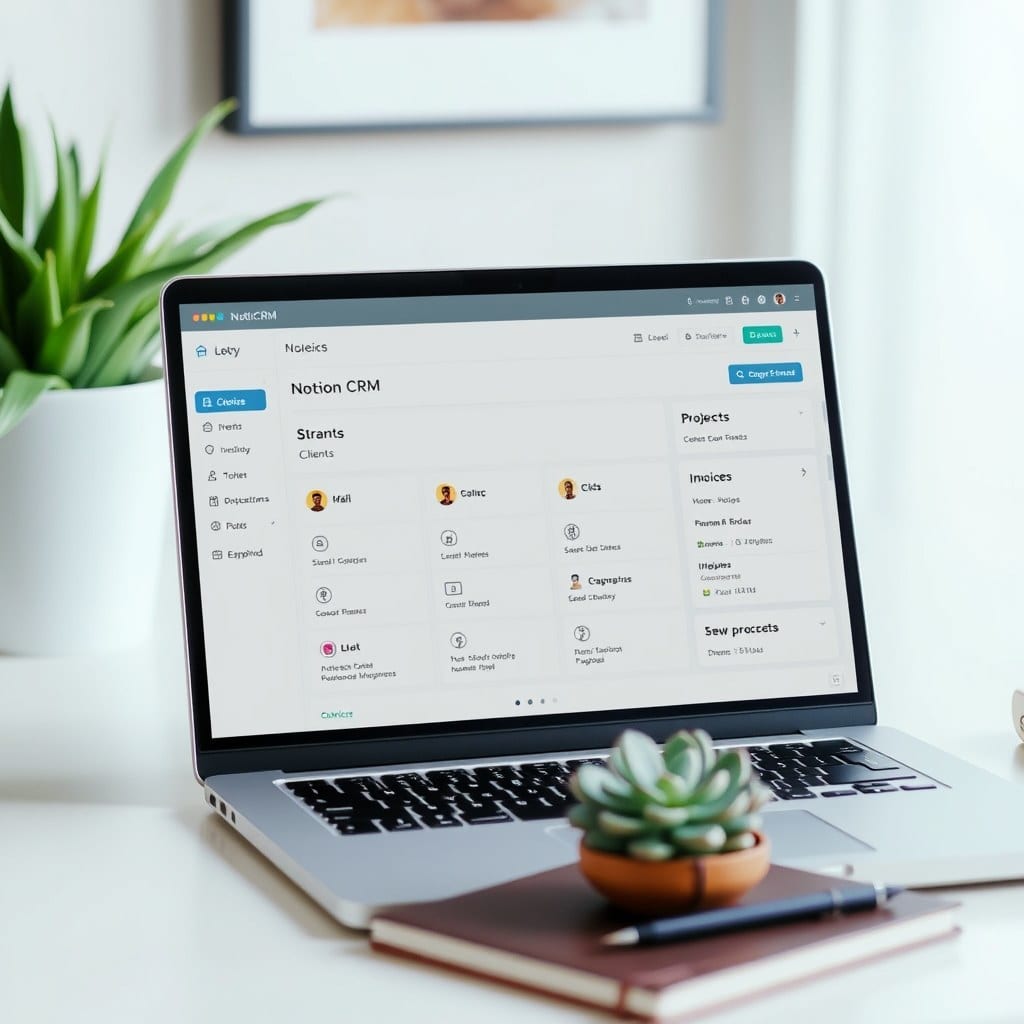
As a coach, your client portal is often the first impression you make. It should feel welcoming, organized, and reflective of your brand. Notion is the perfect tool for this—it’s flexible, collaborative, and can be as beautiful as you want. In this guide, I’ll walk you through building a client portal from scratch, using principles from our Client Hub template.
First, define the purpose. A client portal typically includes: a welcome page, session notes, resources, progress tracking, and a way to communicate. Before you build, list what your clients need most. For wellness coaches, that might be a food diary and habit tracker. For business coaches, it could be goal-setting worksheets and meeting agendas.
Start with a dashboard page. This is your portal’s home. Use a cover image that aligns with your brand—perhaps a serene landscape or abstract art. Add a brief welcome message and a few quick links to key sections. Keep it simple; too many options overwhelm.
Next, create a database for clients. Each client gets a page with their own information. Use a ‘Clients’ database with properties like Name, Email, Start Date, and Status. Then, create a linked view of this database on each client’s page? Actually, better: create a separate page for each client and embed relevant databases filtered to them. Notion’s ‘filter by’ feature is your friend.
For session notes, create a ‘Sessions’ database with properties: Date, Client (relation), Topics, Action Items. On each client’s page, add a linked view filtered to their name. This way, you can easily log notes and clients can review past sessions.
Resources are crucial. Create a ‘Resources’ database with categories like Worksheets, Videos, Articles. Use tags to organize. On the client portal, embed a gallery view filtered by category. Clients can browse and access what they need without asking.
Progress tracking varies by coaching niche. For habit coaching, a simple checklist database with daily entries works. For business coaching, a goals database with milestones and progress bars. Notion’s formula property can calculate completion percentages. Keep it visual—progress bars and emojis (if that’s your style) make it engaging.
Communication: Notion doesn’t have built-in chat, but you can use comments or a ‘Messages’ database where clients can leave notes. Alternatively, integrate with Slack or email. Be clear about how clients should reach you.
Design tips: Use consistent colors and fonts. Our Client Hub uses a soft sage green and warm gray palette. Add your logo (if you have one) at the top. Use dividers to separate sections. Remember, this is a space your clients will visit regularly—make it a pleasure to use.
Finally, test with a friend or existing client. Ask them to navigate and complete a task. Note any confusion. Iterate. The goal is a portal that feels like a natural extension of your coaching practice.
Building a client portal in Notion takes time, but it’s worth it. You’ll save hours on admin, impress clients, and create a central hub for your work together. If you’d rather skip the build, our Client Hub template is ready to duplicate and customize. It includes all the elements above, pre-designed with a calming aesthetic.